Apple Foundation Model on Mac mini M4 Pro: what one round of probing taught us
Apple's on-device foundation model (AFM 3 Core, 3B dense) is closed-weight, framework-bound, sealed in an Apple Cryptex. We probed it on Mac mini M4 Pro 64GB anyway — speed, Paperwork V3, the audit pattern. Editorial-layer note, not a leaderboard row.
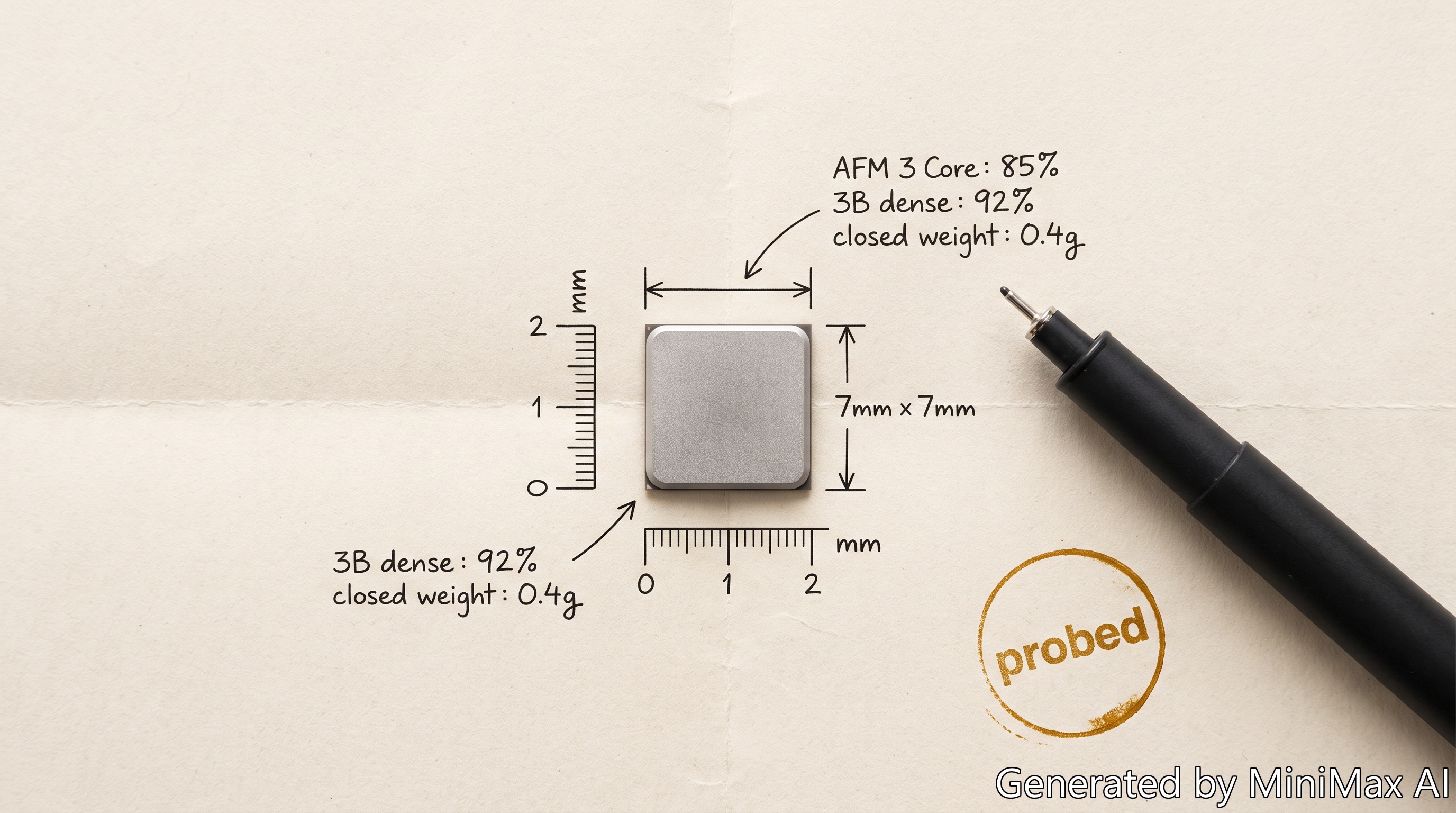
Apple’s on-device foundation model is a different class of thing than the LM Studio models in this benchmark. It is closed-weight, framework-bound, sealed inside an Apple-signed Cryptex. We ran a probing round anyway.
This is not a leaderboard entry. AFM is not a downloadable model and there is no quantization axis to measure it on. This is an editorial-layer note about what happens when you actually try to use it on the same Mac mini M4 Pro (64 GB) that runs every other row in the bench.
What we measured
We built a small Swift probe that drives SystemLanguageModel through nine modes. Four representative modes are shown in the table below; the rest (info, tagging, advanced, paperwork, editorial) are exercised in the sections that follow.
| Mode | What it does | Latency on M4 Pro |
|---|---|---|
simple | One prompt, one response | ~3.0 s (cold start), ~0.3–1.0 s warm |
structured | @Generable Invoice schema | ~1.0 s |
speed | 10 identical prompts, fresh sessions | 0.48 s avg for 5 tokens |
context | 5-turn conversation, single session | 0.29–0.41 s per turn |
Per-process reflection reveals the actual model bundle:
modelBundle: ModelBundle(resourceURI: com.apple.fm.language.instruct_3b.fm_api_generic)
useCase:     .general
guardrails:  .default
The bundle name says _3b. This is AFM 3 Core (3B dense). It is not AFM 3 Core Advanced (20B sparse, 1–4B active). Apple selects the model by hardware capability and OS version; the Public API exposes no switch.
Paperwork V3 reality check
The five Paperwork V3 cases are the same ones used for every other row. We asked AFM (in general mode) to identify the case traps with a structured @Generable response:
| Case | Real traps | AFM identified | Word overlap | Confidence |
|---|---|---|---|---|
| P01 — Basic Invoice Folder | 4 | 3 | 2 / 4 | medium |
| P02 — Credit Note And Vendor Hold | 4 | 4 | 2 / 4 | high |
| P03 — Duplicate Risk Mix | 4 | 3 | 1 / 4 | medium |
| P04 — Tax ID Collision | 3 | 2 | 0 / 3 | high |
| P05 — PO Revision | 3 | 2 | 1 / 3 | medium |
Across 18 real traps, AFM surfaced 14 conceptually-similar items but landed 6 precise matches — a 33% word-overlap hit rate (6 of 18). Per-trap overlap varies from 0/3 (P04) to 2/4 (P01, P02), so an "average" per-trap mean would also come out near 33%, but the headline number is the simpler 6-of-18 ratio. Average latency was 1.1 s per case (warm runs, fresh sessions per case, prompts of ~200 input tokens for the trap-list, ~150 output tokens for the response — first-case cold start was ~1.6 s). The deeper pattern: AFM catches the genre of the trap (credit note, PO revision, vendor conflict) but misses the specific business rule that decides the case outcome (cancelled PO revision, vendor tax ID conflict, partial payment under a stamp).
That is exactly the scope Apple describes for the on-device model: extraction and classification, not reasoning. Paperwork V3 is reasoning. AFM is not the right tool for it.
Confidence does not separate correct from wrong
The model’s confidenceLevel field, which the API exposes for structured outputs, is reported by the framework as one of low / medium / high. We did not run a formal calibration study. We did run five Paperwork cases and recorded the confidenceLevel field that the model returned:
- 3× medium (P01, P03, P05)
- 2× high (P02, P04)
- 0× low
Across cases whose actual overlap ranged from 0/3 to 2/4, AFM never returned a low-confidence answer. Case P04 — 0 precise matches out of 3 known traps — came back labelled high. The pattern: confidenceLevel on this model is not a useful filter. A product that shows output only when the model reports high confidence will still ship wrong answers.
What AFM is actually good for
AFM is bad at Paperwork V3 and bad at “only show when confident” UIs. The same probe run produces something different if you ask it to do what it was tuned for:
We took the codex-reference note from the editor pipeline (real existing note, not a fixture) and asked AFM for three editorial tasks:
| Task | Latency | Result |
|---|---|---|
| 3-sentence summary | 1.70 s | Factually clean, covers the note’s three core points |
| 5 topic tags (structured) | 0.56 s | [codex, agentic, benchmark, evidence, closure] — all lower-case, all descriptive, ready to paste into note YAML |
| X-post draft (~400 chars body+URL) | 1.58 s | Serviceable, needs 30 s of edit (Markdown URL, slightly long) |
Three editorial tasks in 3.84 s (one cold-start run per task, fresh sessions, prompts of ~600 input / ~80 output tokens for summary and tags, ~500 input / ~200 output for the X-post draft), all local, no API key, no token cost, no data leaving the Mac. The tag-generation step alone justifies the workflow: it is one copy-paste into a note’s frontmatter.
Apple’s Foundation Models documentation describes the model as good for summarization, entity extraction, text and image understanding, refinement, dialog for games, and creative content. This is what that looks like in practice on M4 Pro.
What AFM is not
Four things are missing from this picture, and the marketing around AFM tends to blur the line on all four:
- No vision exercised here. The bundle name is
_3b(3B dense). Apple distinguishes Core from Core Advanced by hardware capability and OS version. We only invoked the text mode ofSystemLanguageModel; multimodal capabilities (if any on this tier) were not tested. - No standalone run. There are no weights to download, no GGUF, no MLX port, no Ollama recipe. The model lives in a signed Apple Cryptex and is reachable only through the FoundationModels framework.
- No quantization axis. Every other row in this bench has a Q4_K_M / Q5 / Q6 / Q8 column. AFM does not. Per Apple’s 2024 AFM tech report — which describes the 2024-generation on-device model, not AFM 3 specifically — weights are stored with mixed 2-bit / 4-bit palletization, not a single uniform precision; there is no user-controllable knob either way.
- No confidence worth trusting. See the audit section above. Filter-on-confidence UIs are a footgun on this model.
Hardware notes
Per Apple’s Apple Intelligence page, Apple Intelligence requires Apple-silicon Macs from M1. The Mac mini M4 Pro 64 GB obviously qualifies. Apple does not publish a separate device list for AFM 3 Core Advanced: the framework returns whichever model matches the device’s hardware capability and the OS version, with no public switch. The Mac mini M4 Pro 64 GB still receives AFM 3 Core (3B), not Advanced. The most likely reasons:
- OS version. AFM 3 Core Advanced shipped alongside iOS 27 / macOS 27, announced at WWDC 2026 (8 June). This Mac runs macOS 26.6.2.
- Memory bandwidth. The 20B sparse model streams inactive experts from flash. The 546 GB/s figure is the author’s own estimate of what AFM 3 Core Advanced would need to stream experts efficiently from flash, not an Apple-published requirement; for context, 546 GB/s is the published M4 Max memory bandwidth, and no Mac mini ships with M4 Max today. M4 Pro has 273 GB/s of memory bandwidth per Apple’s Mac mini (2024) tech specs page, which is also confirmed in Apple’s M4 Pro and M4 Max newsroom announcement. Apple may have narrowed the effective Mac list below the official Apple Intelligence spec.
Both explanations are consistent with what reflection on this system shows. Neither can be confirmed without sudo access into the AppleIntelligencePlatform directory.
Take-away
AFM on Mac mini M4 Pro earns a place in the editorial pipeline — tagging, short summaries, structured drafts — and earns no place in any workflow where “the model is confident” is a useful filter. The local Paperwork V3 result and the broken confidenceLevel field are the same finding: AFM’s confidence is not a signal about correctness.
Disclosure: this article sits in the editorial layer, not the model leaderboard. AFM is not a row in the comparison because it is not a downloadable, quantization-addressable model.